1
Install from the Chrome Web Store
Install adblocked.ai in one click. Once enabled, it immediately begins monitoring supported AI chat interfaces.
Fast setup, invisible operation, immediate protection.
Install adblocked.ai in one click. Once enabled, it immediately begins monitoring supported AI chat interfaces.
No workflow changes. Chat exactly the same way while adblocked.ai runs silently in the background, watching for injected promotional content.
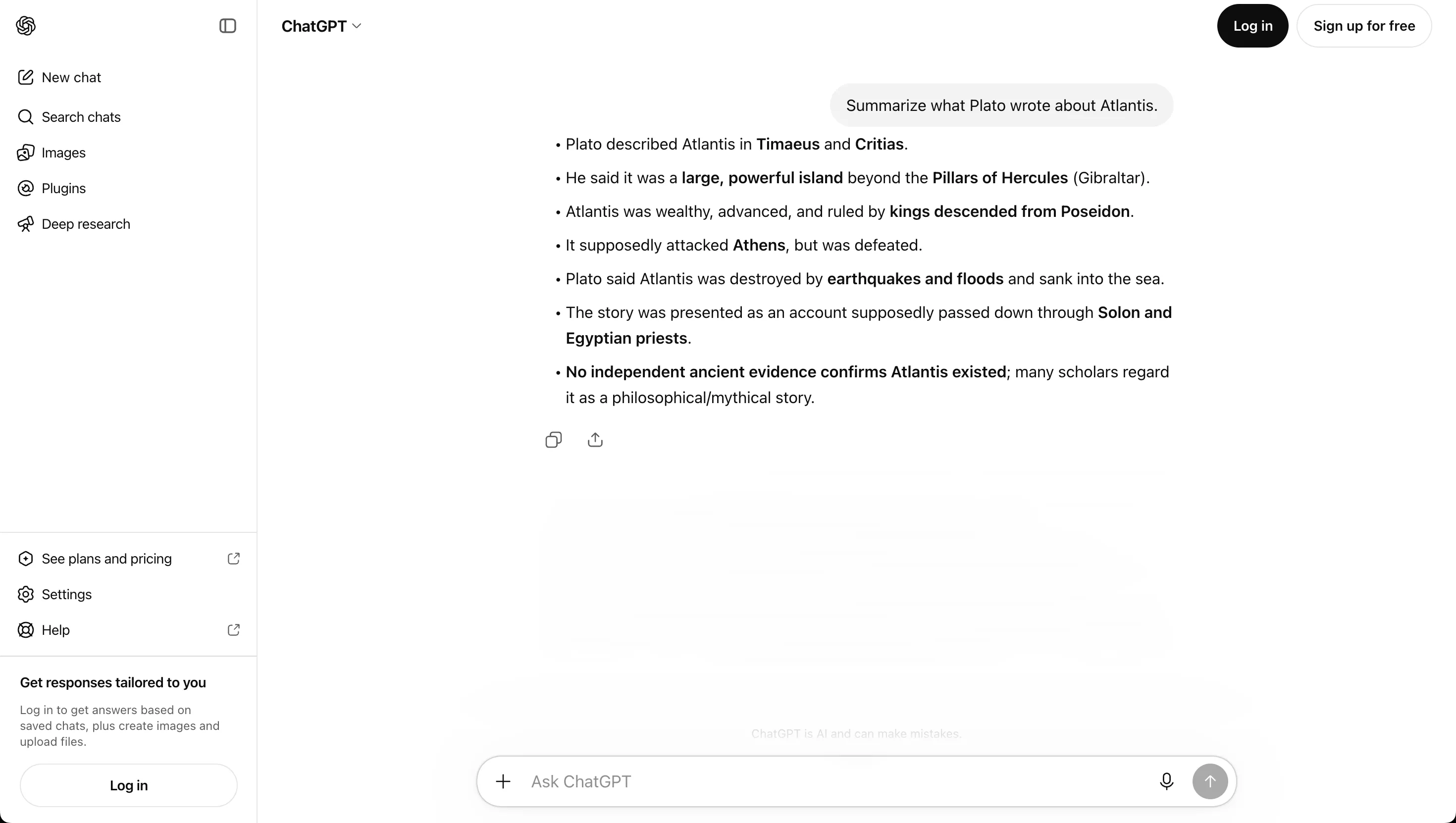
When ad elements appear, adblocked.ai removes them in real-time. Your conversations stay clear and uninterrupted. This is the first layer—more visibility is coming.
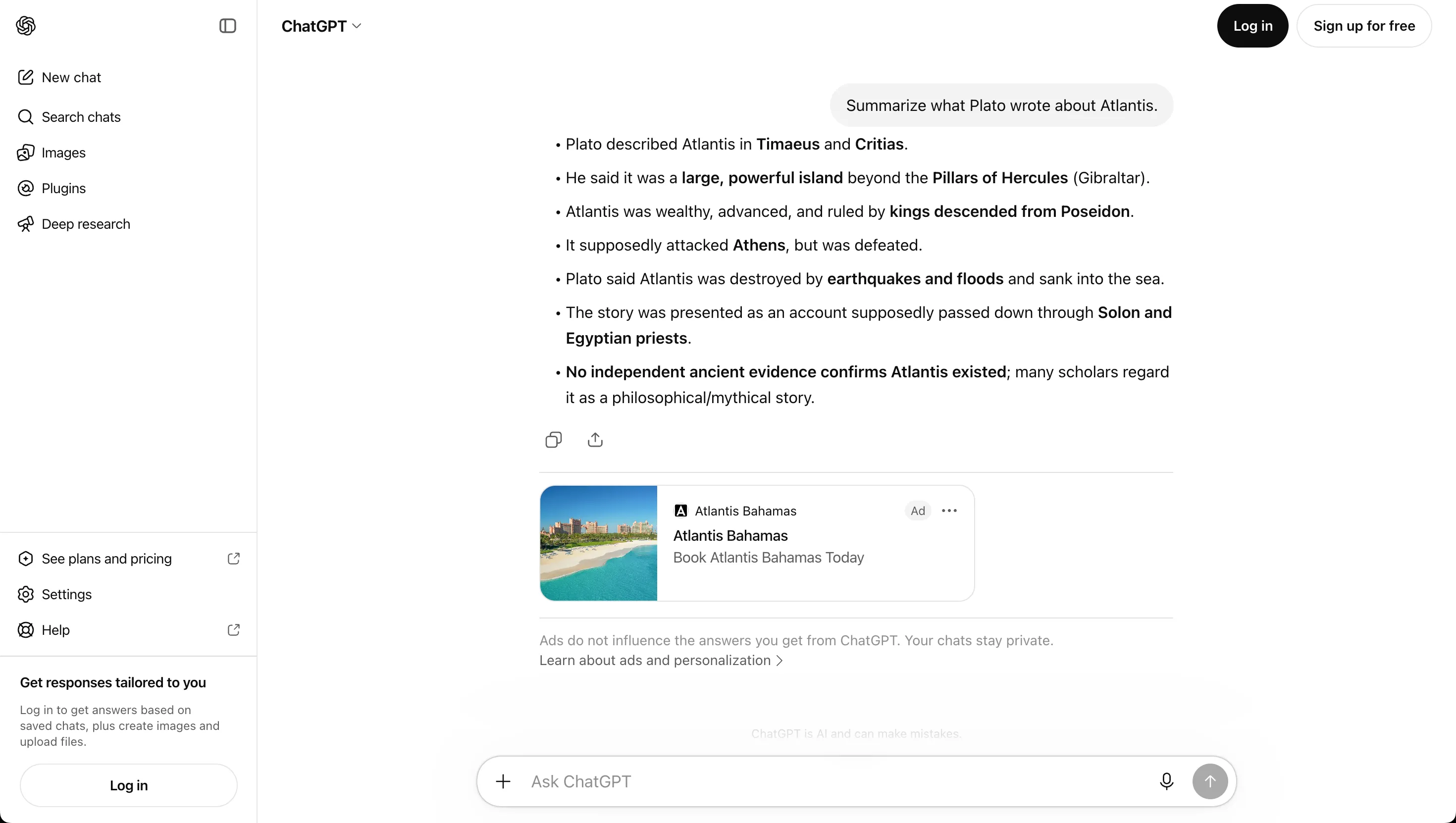
 Before
After
Before
After